
If you've been thinking about getting a website built, there's a good chance WordPress has come up. It's the platform most people have heard of. It powers around 40% of all websites on the internet. Ask almost any web designer and they'll mention it within the first minute.
So it must be the right choice for a local business, right?
Not always. WordPress is a strong choice for many businesses, but not every one, and understanding why is worth a few minutes of your time before you commit to anything.
What WordPress is actually built for
WordPress started as a blogging platform in 2003 and grew into a full content management system over the years. Its real strength is scale and flexibility: it's designed for websites that need to manage enormous amounts of content, support teams of editors, run complex e-commerce operations, or require very specific functionality through its vast library of plugins.
A large news publication updating hundreds of articles a day? WordPress makes sense. A national e-commerce store with thousands of products? WordPress with WooCommerce can handle it. A media company with multiple content types, custom workflows, and a team of writers? WordPress was built for exactly this.
For these use cases, WordPress is genuinely excellent. The complexity is justified because the requirements demand it.
Where it can get complicated for small businesses
A local plumber doesn't need a content management system built for a national publisher. They need a phone number front and centre, a clear list of services, a contact form, and a button that says get a quote.
The gap between what WordPress is designed for and what a local business actually needs can create a specific set of trade-offs that business owners often don't anticipate until they're already dealing with them.
Plugins add power and moving parts.
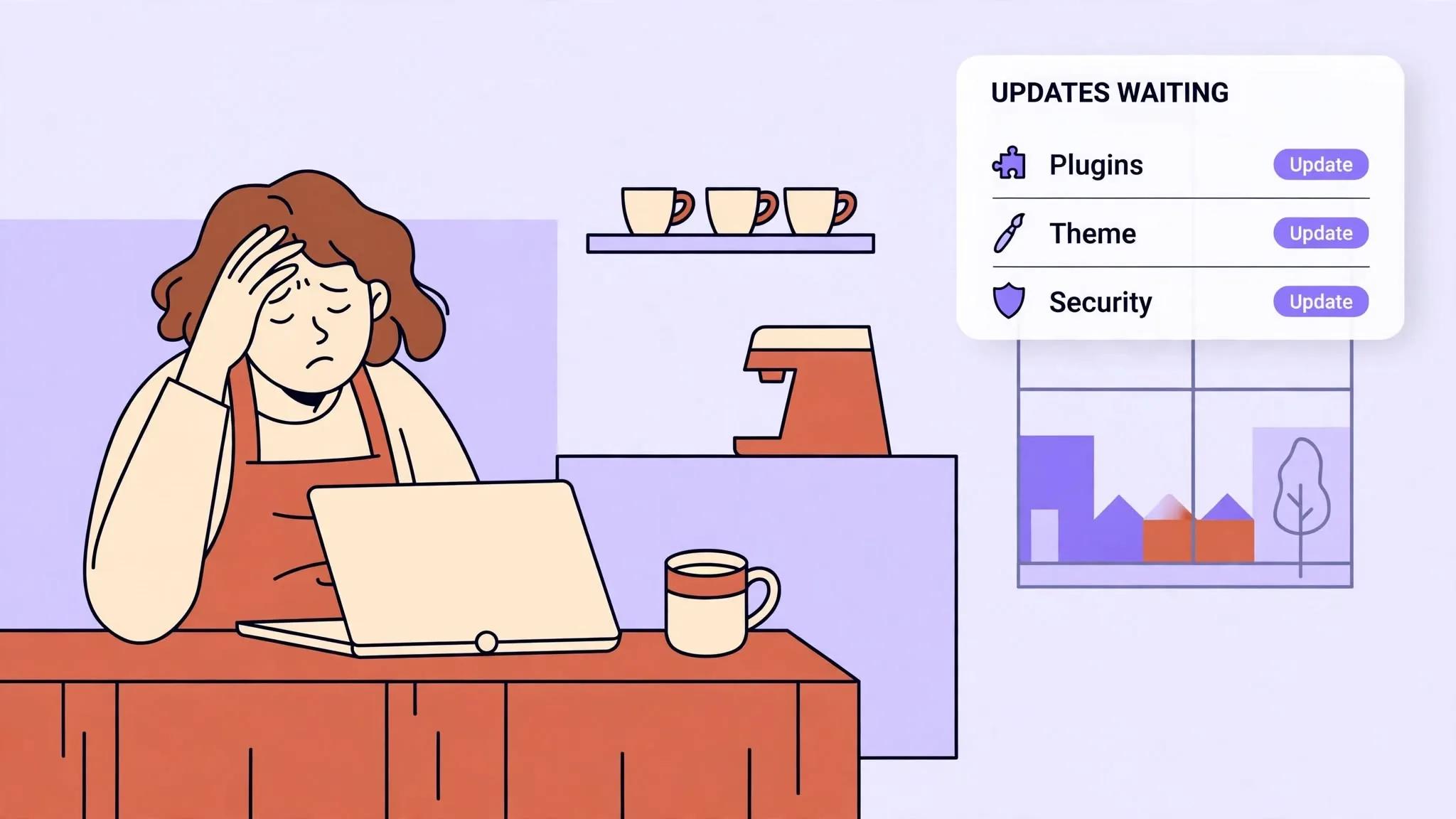
WordPress on its own doesn't do very much, it's the plugins that add functionality. Contact forms, SEO tools, security, image optimisation, cookie notices, caching, spam protection: each of these is usually a separate plugin. Used well, plugins are what make WordPress so flexible. Install too many and they can start conflicting with each other, slowing the site down, and requiring regular updates. A typical small business WordPress site often has 15–25 active plugins, so a good build keeps the list short and keeps it maintained.
Security needs regular upkeep.
WordPress is the most popular website platform in the world, which makes it the most targeted by hackers and automated bots. WordPress sites need regular core, plugin and theme updates, and falling behind on any of these creates security gaps. Without a Hosting & Care plan or someone looking after it, a local business owner who just wants a website that works is suddenly responsible for maintaining a security-sensitive piece of infrastructure.
Ongoing maintenance costs.
WordPress itself is free, but running it properly isn't. You need quality hosting that handles WordPress well, a premium theme, paid plugins for essential features, regular backups, and often a developer to fix things when updates break something. These costs add up and continue, so they are worth budgeting for from the start.
Performance requires effort.
A default WordPress installation is not especially fast. Getting a website to score well on Google PageSpeed requires a caching plugin, an image optimisation plugin, a CDN setup, and careful configuration of all of the above. It's absolutely achievable, but it's work, and it's work that needs checking every time something is updated.
Where WordPress is the right choice
WordPress is a good fit for many smaller businesses, and it is one of the platforms we build on.
If you're planning to publish blog content regularly and want a familiar editing interface, WordPress is mature and well understood. If you have an existing WordPress site that's working well and just needs updating, rebuilding it elsewhere for the sake of it doesn't make sense. If you need very specific functionality that a WordPress plugin already handles perfectly, using it is the pragmatic choice.
WordPress also has practical advantages worth weighing. Its ecosystem is enormous, so there's no shortage of plugins, themes, and developers who know it. If you ever need to switch agencies, finding someone else who can pick up a WordPress site is usually straightforward, that's a real consideration: what happens to your website if the agency that built it disappears? A smaller, more specialised platform may have fewer developers available to take over.
We're not anti-WordPress. We're pro right tool for the right job.
The problem isn't WordPress itself, it's that it's often recommended as the default for every website regardless of what the business actually needs. Sometimes it's the right answer, and sometimes a simpler platform is.
What most local businesses actually need
Strip away everything that isn't essential and a local business website needs to do a small number of things well.
It needs to appear in Google when someone searches for what you offer in your area. It needs to load fast on a mobile phone. It needs to clearly explain what you do and where you do it. It needs to make it easy to call, message, or get in touch. And ideally, it needs a simple way for you to update your own content without calling a developer.
None of these requirements demand a heavy setup. They need a well-built, lightweight website with a clean way to edit it, something you can actually use without a tutorial. Several platforms can deliver that: WordPress, Wix, Webflow or a custom build, depending on the business.
The platforms we build on
At Sitemate Studio we build on the platform that fits the business. For many local businesses that is WordPress. For the fastest, lowest-cost launch it can be Wix, and for design-led brands it can be Webflow. For businesses that need bookings, dispatch or other custom tools, we build on Next.js, a modern framework that can render pages as static, fast-loading HTML rather than generating everything fresh on every visit. A custom build has no plugins to manage, no weekly plugin security patches to apply, and no caching configuration to wrestle with. The site is fast because of how it's built, not because of how it's configured after the fact.
For content management on custom builds we use Payload CMS, a clean, modern CMS that gives you a simple editing interface without the overhead of a plugin-heavy setup. You can update your services, change your prices, add a blog post, or swap an image in minutes. Whichever platform you choose, the aim is the same: you can manage your own content without phoning anyone.
A custom build gives you a website that loads fast, scores well on Google PageSpeed, requires less maintenance, and is easy to use day-to-day, because there is no plugin for every feature to keep updated. A well-built WordPress site can get close, with good hosting and a short, well-kept list of plugins.
The honest trade-off with a custom build is ecosystem size: Next.js and Payload have smaller developer pools than WordPress, simply because WordPress has been around longer and runs a much bigger share of the web. We make sure your code and content stay clean and exportable, so if you ever need to move, another developer can pick it up without starting from scratch.
How to think about the choice
The right question isn't "should I use WordPress?" It's "what does my website actually need to do?"
If the answer involves hundreds of blog posts, a large product catalogue, or a team of editors, WordPress is probably the right fit and we'll tell you so. If you want the quickest, lowest-cost launch, Wix can be enough. If you need booking, dispatch or other custom tools, a custom build makes sense. We'll recommend whichever fits and explain why.
Not sure which platform fits your business?
We build on WordPress, Wix, Webflow or custom code, whichever fits. Fast by default, easy to manage, and built specifically for local businesses.
Get in touch